

PUBG Mobile FLASH vs PUBG Mobile: What’s the Difference?
PUBG MOBILE has introduced a new way to join the Battlegrounds. Called PUBG MOBILE FLASH, this official lightweight version is designed to make the game more accessible on devices with limited storage or hardware resources. But is FLASH a completely different game? Does it support the same account and in-game items as the original version? And is there any reason to switch if PUBG MOBILE is already installed? The short answer is that FLASH keeps the core PUBG MOBILE experience while offering a smaller initial download, flexible resource management, and performance optimizations. Here is how the two versions compare and what players should know before downloading.
What Is PUBG Mobile FLASH?
As PUBG MOBILE Version 4.7 rolled out on November 11, bringing the new Arctic Chronicles themed mode and a host of seasonal content, the official team had another exciting announcement for players: PUBG MOBILE FLASH was on its way!
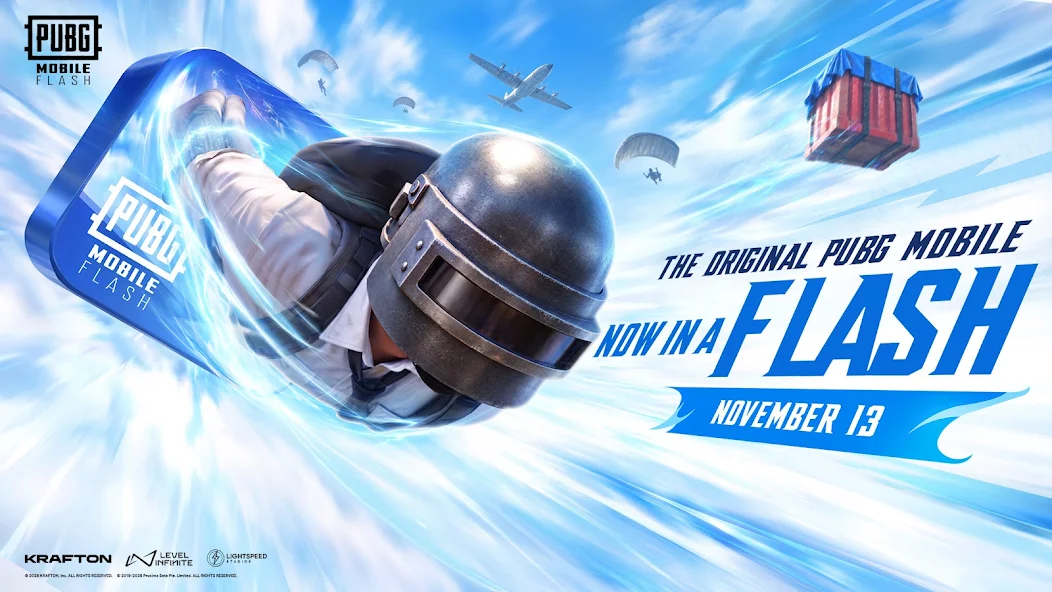
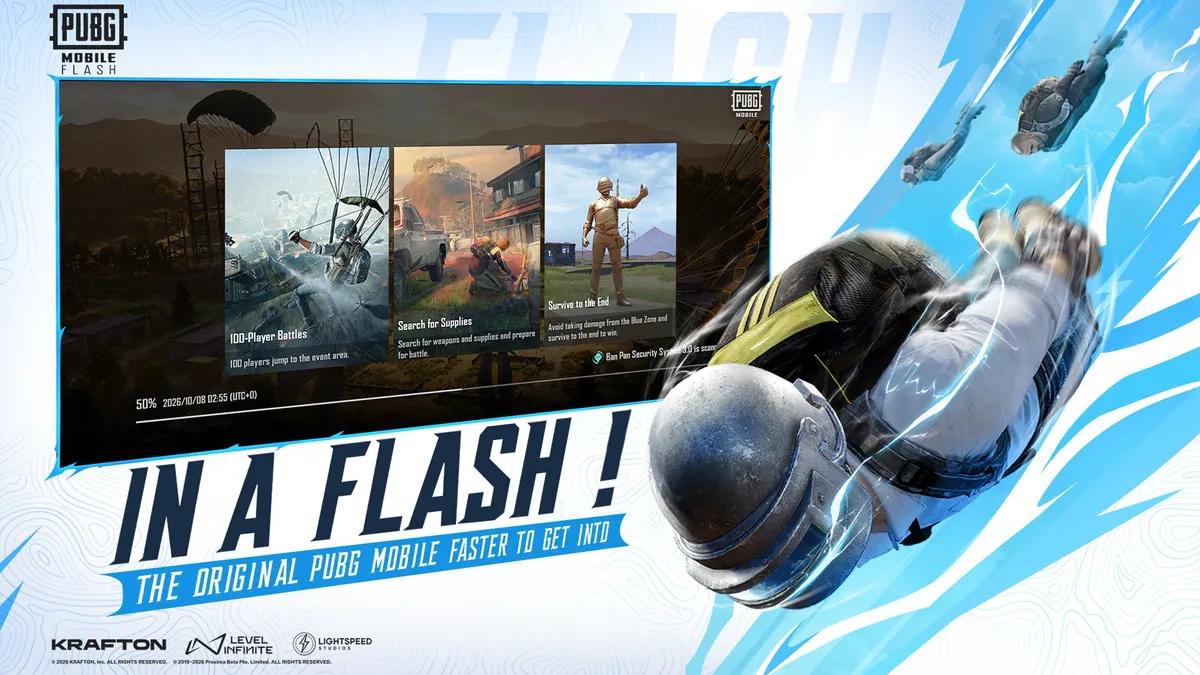
Launched on November 13, 2026, PUBG MOBILE FLASH is the official lightweight app version of PUBG MOBILE, available for free on iOS and Android in supported regions. Rather than introducing a separate game or a different Battle Royale experience, FLASH provides another way to access the existing PUBG MOBILE ecosystem.
Its main purpose is to reduce the initial download size and give players more control over which game resources are installed. The app comes with Erangel and Classic Battle Royale pre-installed, so players can jump straight into a match without downloading additional maps or modes. Other content, including maps, game modes, events, and graphical resources, can be downloaded whenever needed.
This makes FLASH particularly interesting for players who want to save storage space or enjoy PUBG MOBILE on devices with more limited hardware resources.
PUBG Mobile FLASH vs PUBG Mobile: Key Differences
Both versions share the same core gameplay, but their installation and resource management systems are different.
| Feature | PUBG MOBILE FLASH | Original PUBG MOBILE |
| Game type | Official lightweight version | Original app |
| Initial download size | Under 1 GB on Android; under 1.75 GB on iOS | Uses the original app's standard resource system |
| Pre-installed content | Erangel and Classic Battle Royale | Full app resource system |
| Additional resources | Download maps, modes, events, and graphics on demand | Download and manage resources through the original app |
| Lobby | Simplified by default; additional resources available | Full Lobby experience |
| Graphics | Lightweight visuals by default; higher-quality resources available | Full graphical resource experience |
| Account | Same account supported | Same account supported |
| Friends and matches | Synced across both apps | Synced across both apps |
| Cross-app play | Can play with original PUBG MOBILE users | Can play with FLASH users |
| Anti-cheat | Ban Pan security system | Ban Pan security system |
The biggest differences are not in the gameplay itself, but in how each app handles downloads, storage, and graphical resources.
1. Download Size and Storage
The most noticeable advantage of FLASH is its smaller initial download.
On Android, the initial download is approximately 0.96 GB. The iOS version is listed at under 1.75 GB on the App Store. Actual download and storage requirements may vary depending on the platform and app version.
FLASH starts with only the essential content needed for Classic Battle Royale on Erangel. Players can then choose whether to download additional maps, modes, events, and other resources.
A download confirmation system also gives players more control over what gets installed, helping prevent unnecessary resource downloads.
This is especially useful for devices with limited storage. Instead of installing every available resource at once, players can keep the app relatively lightweight and add content as their preferences change.
2. Graphics and Resource Downloads
A smaller installation does not mean that FLASH removes all graphical options.
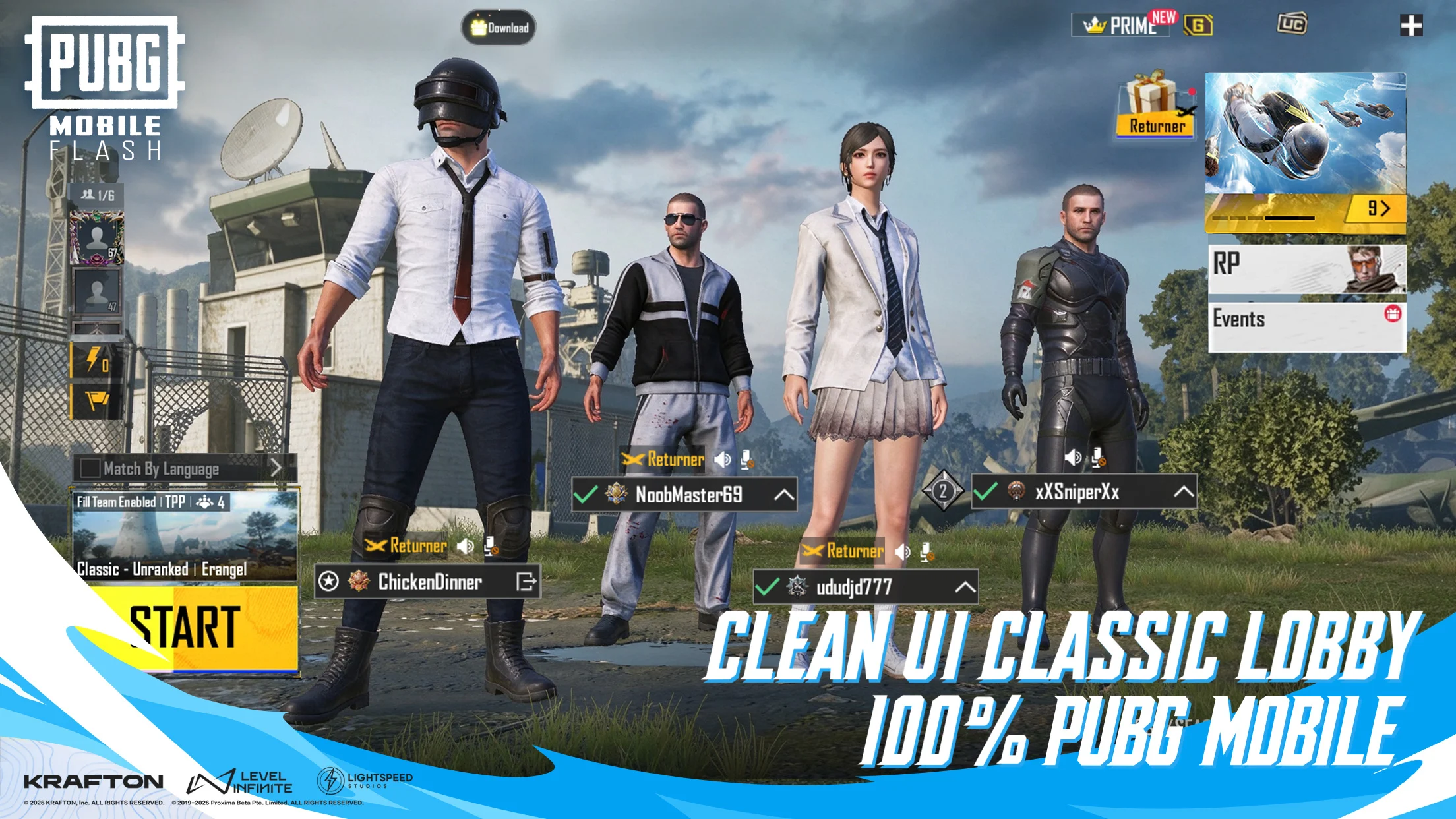
The app uses a simplified Lobby and lightweight icons by default to reduce resource usage. However, players are not limited to this visual experience. Higher-quality graphical resources and the full Lobby experience can be downloaded separately whenever needed.
There is also a difference in how outfits and other cosmetic items appear. If the corresponding outfit resources have not been downloaded, the game displays a temporary appearance instead. Once the required resources are installed, the original cosmetic appearance becomes visible.
In other words, players can save storage by skipping cosmetic resources they do not need, while still having the option to download them later.
The original PUBG MOBILE app offers its standard full resource experience, making it more convenient for players who prefer to have their content readily available.
3. Performance and Device Requirements
FLASH is designed to make PUBG MOBILE more accessible on a wider range of devices, particularly entry-level and mid-range phones.
According to PUBG MOBILE, the optimizations compared with the FLASH Beta include:
- Average frame rate increased by 10%.
- Frame-rate stability improved by 10%.
- Power consumption reduced by 3%.
- Memory usage reduced by 12%.
- Startup splash-screen time shortened by 15%.
- Pre-match loading time shortened by 20%.
These figures describe the improvements reported for the official release compared with the FLASH Beta. They should not be interpreted as guaranteed performance gains on every device.
FLASH requires a minimum of 2 GB RAM and supports 25, 30, 40, and 60 FPS options, depending on device capabilities.
For players experiencing storage limitations or performance difficulties with the original app, FLASH may be worth trying. However, actual gameplay smoothness still depends on the phone's hardware, settings, and network conditions.
4. What the two versions share: Accounts, Friends, and Cross-Play
One of the most important things to know is that PUBG MOBILE FLASH and the original PUBG MOBILE share the same ecosystem.
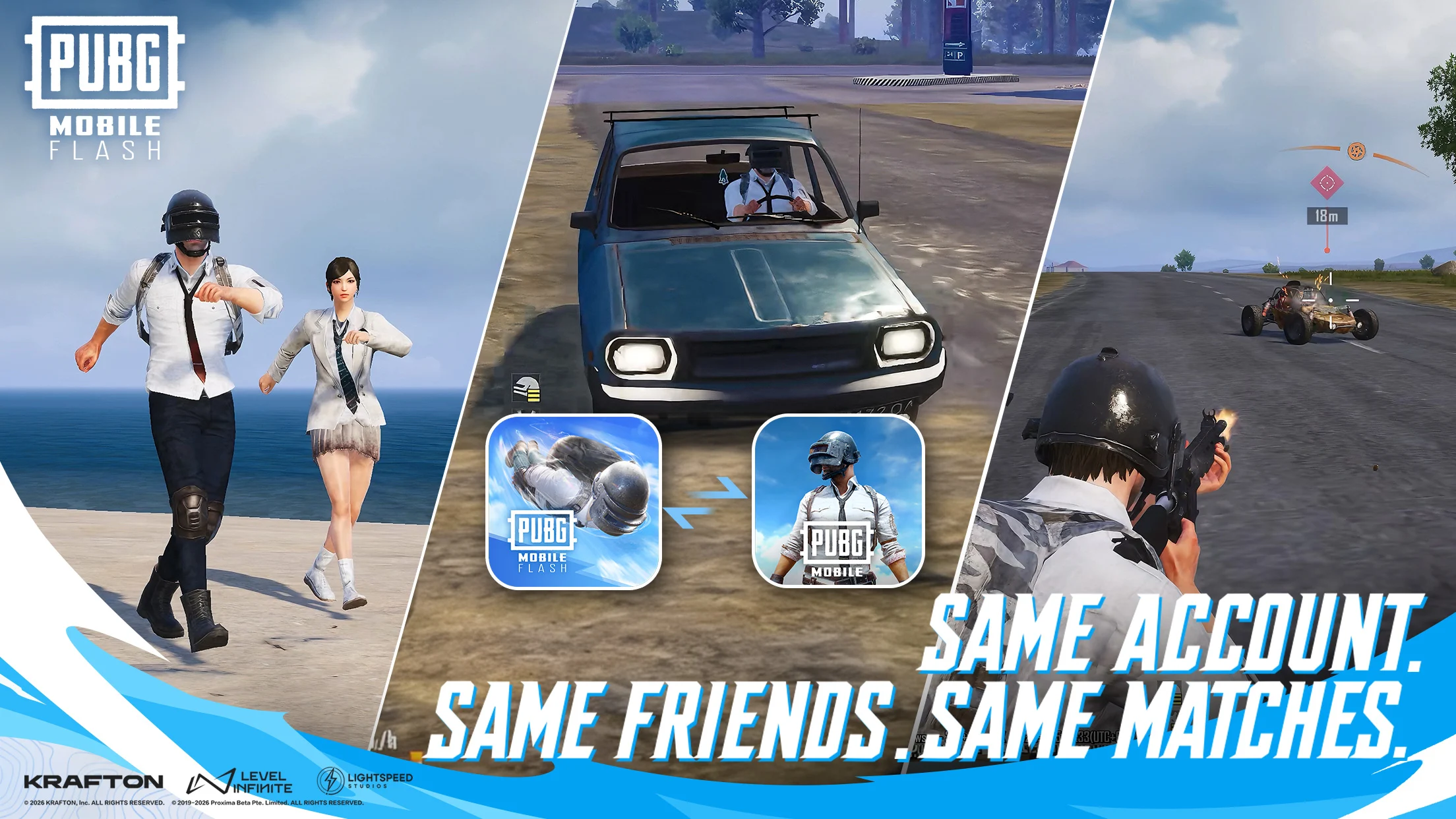
Players do not need to start a separate game account just to use FLASH. Accounts, friends, matches, and in-game assets are synchronized across both apps.
More importantly, players using FLASH can team up with friends who continue playing the original PUBG MOBILE. Both versions also receive synchronized updates, allowing them to remain connected as the game evolves.
This means switching apps does not require leaving an existing squad or abandoning previously collected items.
For players who have spent time building their accounts, this compatibility makes FLASH a much more convenient alternative than starting over in a separate game.
Advantages and Limitations of PUBG Mobile FLASH
FLASH offers several practical benefits: its smaller download size, flexible resource management, cross-app compatibility, and shared Ban Pan security system make it a convenient alternative to the original app. But it is not necessarily the best choice for every player.
| Categories | Advantages | Limitations |
| Document Size | Smaller Download Size: Easier to install on devices with limited storage. | Additional Downloads Required: Maps, modes, events, and graphical resources need to be downloaded when needed. |
| Visual Resource | Flexible Resource Management: Players can choose which content to install. | Simplified Visuals by Default: The lightweight Lobby and graphics may not suit players who prefer the full visual experience. |
| Operation Performance | Performance Optimizations: Designed to improve performance across a wider range of mobile devices. | Device-Dependent Performance: Improvements vary by device, so a lag-free experience is not guaranteed. |
So FLASH is best understood as a more flexible way to install and play PUBG MOBILE, rather than a replacement that makes the original app obsolete.
Which Version of PUBG Mobile Should Players Choose?
The right version depends on device storage, hardware, and personal preferences.
Choose PUBG MOBILE FLASH if:
- The phone has limited free storage.
- The original app takes up too much space.
- Only a few maps or game modes are played regularly.
- A lighter installation and more flexible resource management are preferred.
- The device could benefit from additional performance optimizations.
Stick with the original PUBG MOBILE if:
- The phone has plenty of available storage.
- All maps, modes, events, and graphical resources are preferred in one app.
- The full Lobby and visual experience are more important than installation size.
- There is no particular issue with the original app's performance.
There is also no need to make a permanent decision. Since both versions share accounts and support cross-app play, players can try FLASH while keeping their existing PUBG MOBILE experience available.
PUBG Mobile FLASH: Frequently Asked Questions
Is PUBG MOBILE FLASH a different game?
No. FLASH is the official lightweight app version of PUBG MOBILE. It retains the original game's core features and connects to the same PUBG MOBILE ecosystem.
Can PUBG MOBILE FLASH players play with regular PUBG MOBILE players?
Yes. Players using FLASH can team up with players using the original PUBG MOBILE app. Both versions support cross-app play.
Can the same account be used in both versions?
Yes. Accounts, friends, matches, and in-game assets are synchronized across the two apps.
Is PUBG MOBILE FLASH available on iOS and Android?
Yes. FLASH launched on November 13, 2026, and is available for free on the App Store and Google Play in supported regions.
How much storage does PUBG MOBILE FLASH need?
The initial download is approximately 0.96 GB on Android and listed at under 1.75 GB on iOS. Additional storage is needed for maps, game modes, events, and other resources downloaded later.
Does PUBG MOBILE FLASH have the same anti-cheat system?
Yes. FLASH uses the same Ban Pan security system as the original PUBG MOBILE, including real-time monitoring, violation detection, enforcement, and the Investigator system.
Can PUBG MOBILE FLASH run on a phone with 2 GB RAM?
The official minimum requirement is 2 GB RAM. However, actual performance depends on the device's hardware and capabilities.
Final Thoughts
PUBG MOBILE FLASH brings a more flexible installation option to the PUBG MOBILE community. Its smaller initial download, on-demand resources, and shared account system make it a useful alternative for players who want to save storage without losing access to their existing game progress or friends.
The original app remains a solid choice for players who prefer the full resource and graphical experience. Ultimately, both versions offer the same core Battle Royale experience, so the decision comes down to how much storage and flexibility a device needs.
Whether playing through FLASH or the original app, the Battlegrounds are still waiting.